With Instrument X, first install the software itself (the editor), then download and install instrument expansions from the Product Manager screen within the editor.
You will first need to register your purchased product to your Dreamtonics Account. For detailed instructions, please refer to "Account Creation and Product Registration".
¶ Download and Installation
¶ Editor Download
Access your Dreamtonics Account and download the editor.
If your purchased product is registered to your account, or if you are within the trial period, a download button will appear to the right of the product name.

¶ Editor Installation
Run the downloaded installer and follow the on-screen instructions to complete the installation.
¶ Select an Installation Location
On Windows, you can select the location where the editor will be installed on the following screen. If you change the installation location, please do not select an external storage device.
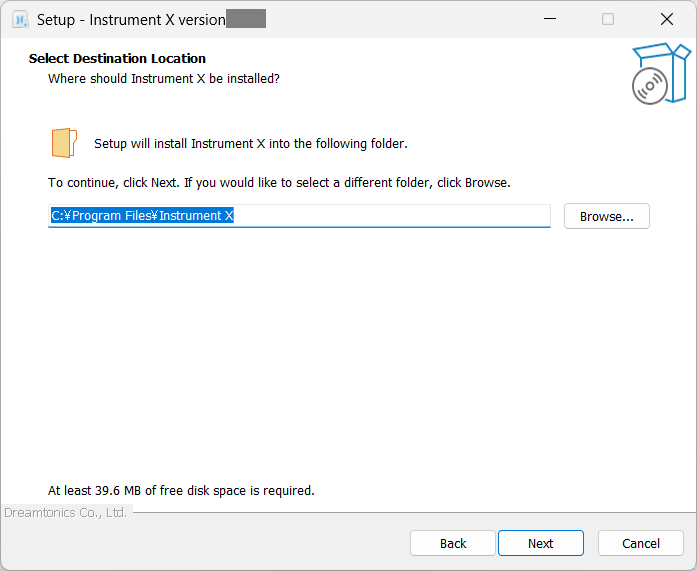
This is the installation location for the editor itself. The installation location for instrument expansions cannot be specified or changed.
¶ Selecting Installation Components
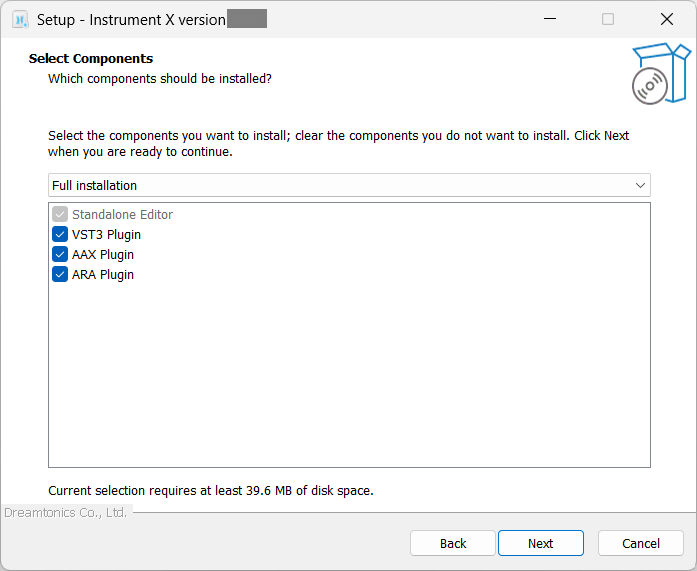
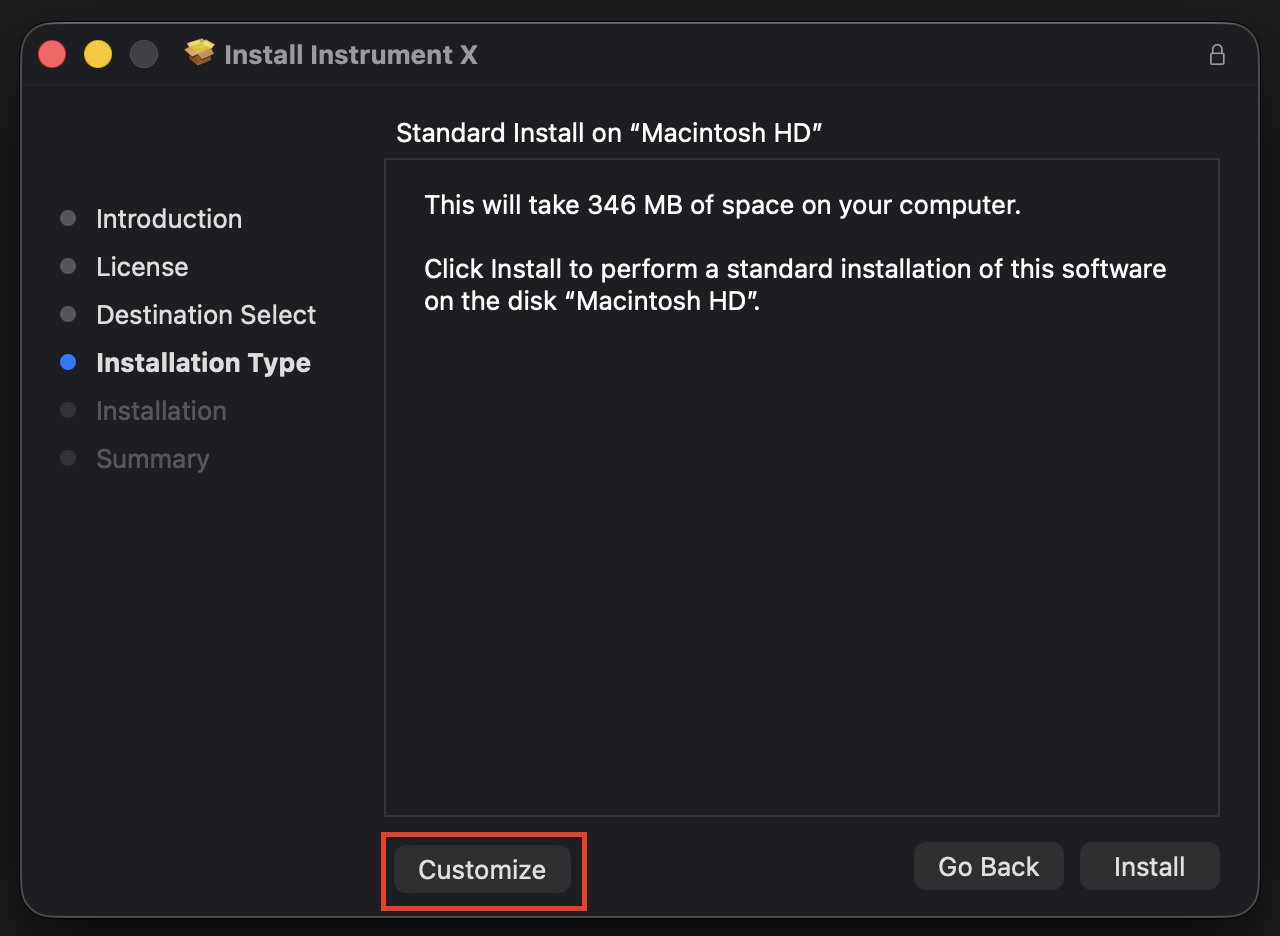
Instrument X has VST・AU・AAX plugin versions that can be used on a DAW.
On the following screen, you can select the components to install.
- Windows
- Mac
¶ Login
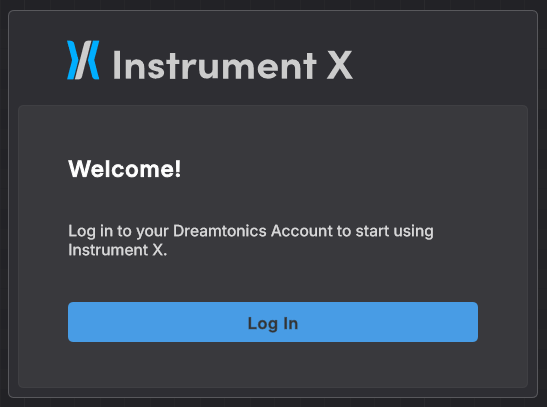
A login screen will appear when you launch the editor.
Clicking [Log in] will take you to a browser page. After logging in, return to Instrument X and wait a moment for the editor to become available.
¶ Using Instrument X on Multiple Devices
Instrument X can only be used on one device at a time.
However, it is possible to switch between multiple devices using the software.
If you want to switch devices, please log in on the new device. Logging out from the original device is not necessary.
¶ Offline License
Normally, Instrument X requires internet access to verify your login information when launching the editor.
If you wish to use Instrument X in an offline environment, you can activate an offline license. This will enable you to use the software without internet access.
While an offline license is active, you will be unable to log in on other devices.
You can also deactivate the offline license, allowing you to log in on other devices or activate an offline license on a different device.
¶ Activating an Offline License
- Launch the editor and open the Product Manager from the sidebar.
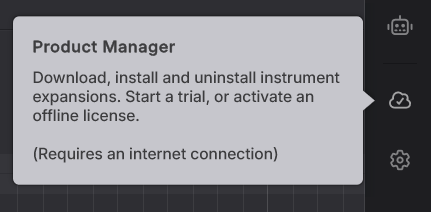
- Click [Activate Offline] to the right of Instrument X product.

¶ Deactivating an Offline License
- Launch the editor and open the Product Manager from the sidebar.
- Click [Deactivate Offline] to the right of Instrument X product.
Please deactivate the offline license in advance when upgrading your PC or reinstalling the OS.
¶ Logout
Logging out allows you to log in with a different account.
If you want to move to a different device, you don't need to log out of the previous device.
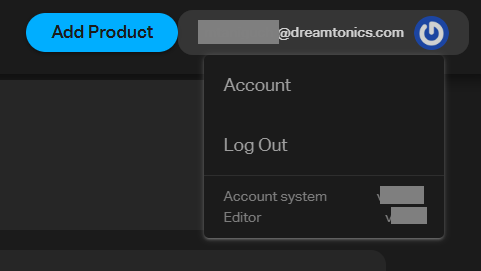
- Launch the editor and open the Product Manager from the sidebar.
- Click the account icon in the upper right corner and select Logout.
¶ Editor Feature-Limited Mode
If you have purchased voices for Instrument X, but have not purchased the editor itself and your trial period has expired, the editor will enter Feature-Limited Mode.
(If you own any instrument expansion product, a full-version license for the Instrument X editor will be automatically added to your account.)