A Dreamtonics account is required to use Instrument X.
Each product, including the Instrument X editor and instrument expansions, is linked to and managed through your user account.
By registering your purchased products to your Dreamtonics account and signing in to the editor, you can authenticate and download all instrument expansions for which you hold licenses at once.
You can also start product trials from the manager page of your Dreamtonics account.
¶ Register a Dreamtonics Account
If you already have an account for the Dreamtonics Store, you can sign in using the same email address and password, so you do not need to create a new account.
Create a new account using your email address or Google account.
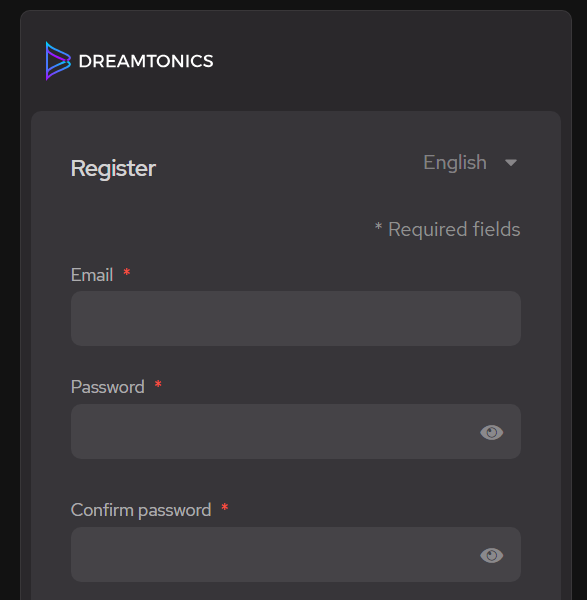
- Enter your email address, password, first name, and last name, then click [Register].
Be sure to keep your password in a safe place. All products will be linked to this account.
- An email will be sent to the address you provided with a confirmation link. Click on the link to confirm your email address.
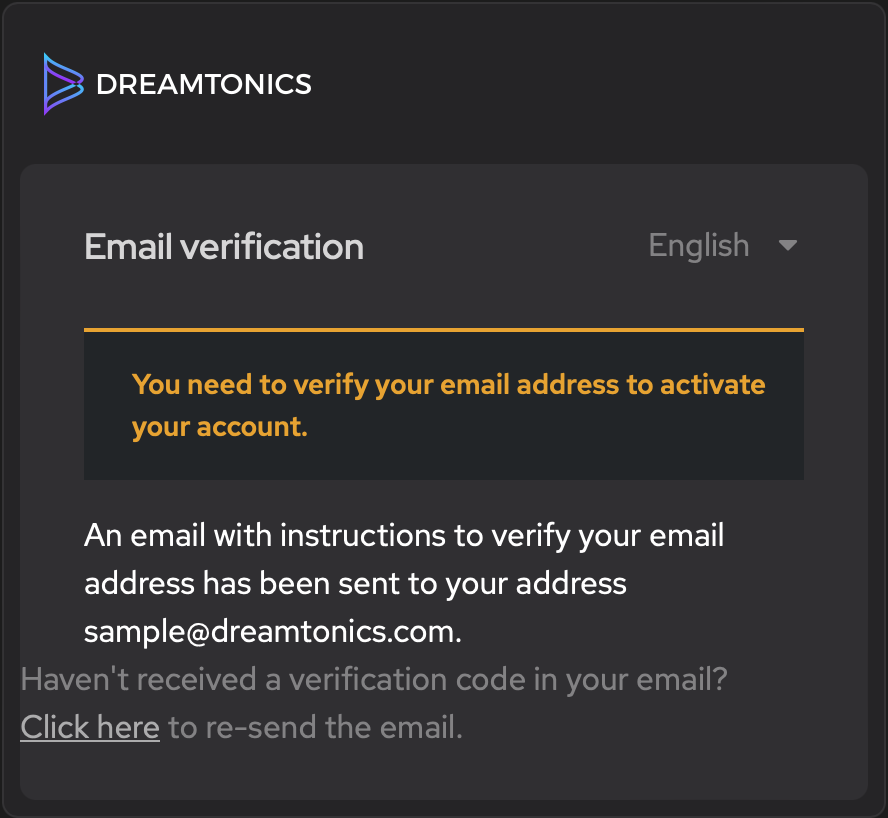
If you can't find your verification e-mail, please make sure to also check your spam folder or re-send it as indicated on the webpage.
- Once your email address is confirmed, you can log into your Dreamtonics Account.
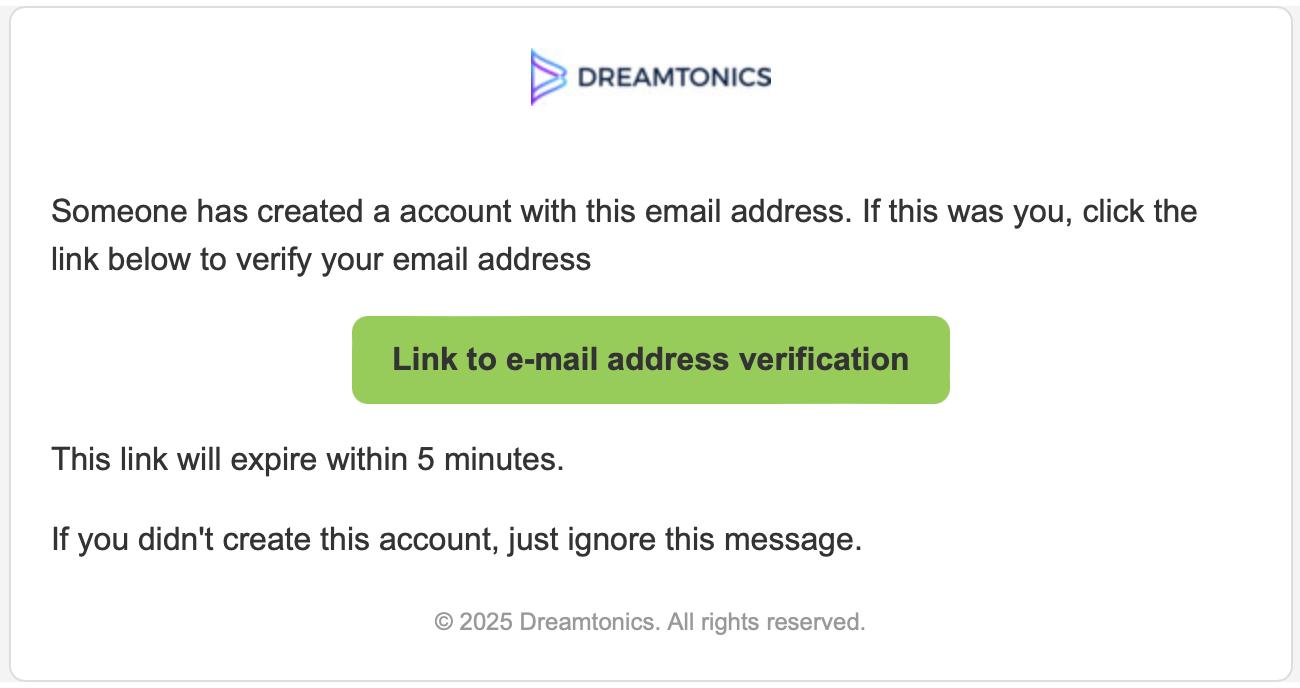
For security purposes, the verification link we send to your email address is valid for 5 minutes. If the link expires, simply return to the registration webpage and request a new verification link to be sent to your inbox.
¶ Google Account
Click the [Google] button and choose the Google account you want to use. After granting permission for Dreamtonics to access your basic Google profile information, you will be automaticaly logged into your Dreamtonics Account.
¶ Check Registered Products
Once you've logged into your Dreamtonics Account, navigate to the "My Products" section. Here, you'll find a list of the product licenses currently associated with your account.
Since this is a new account, the list will initially be empty.
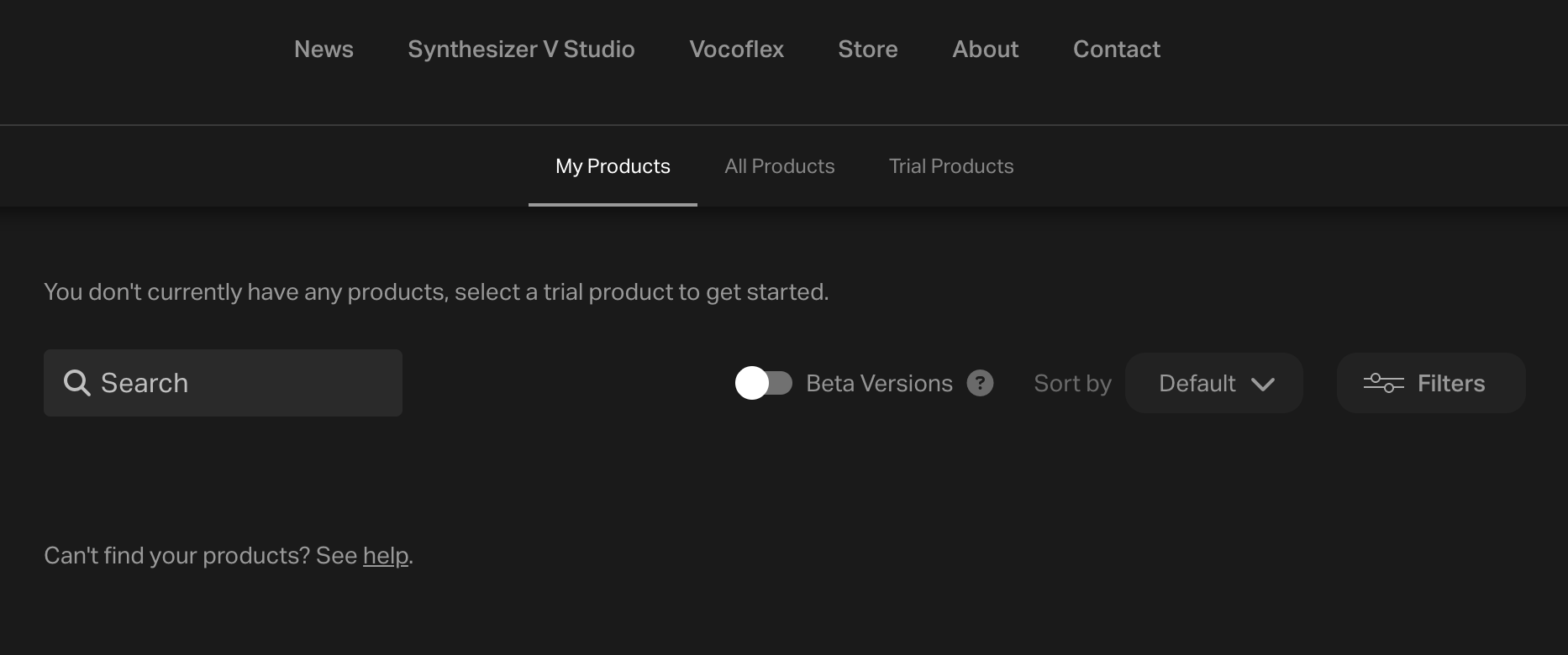
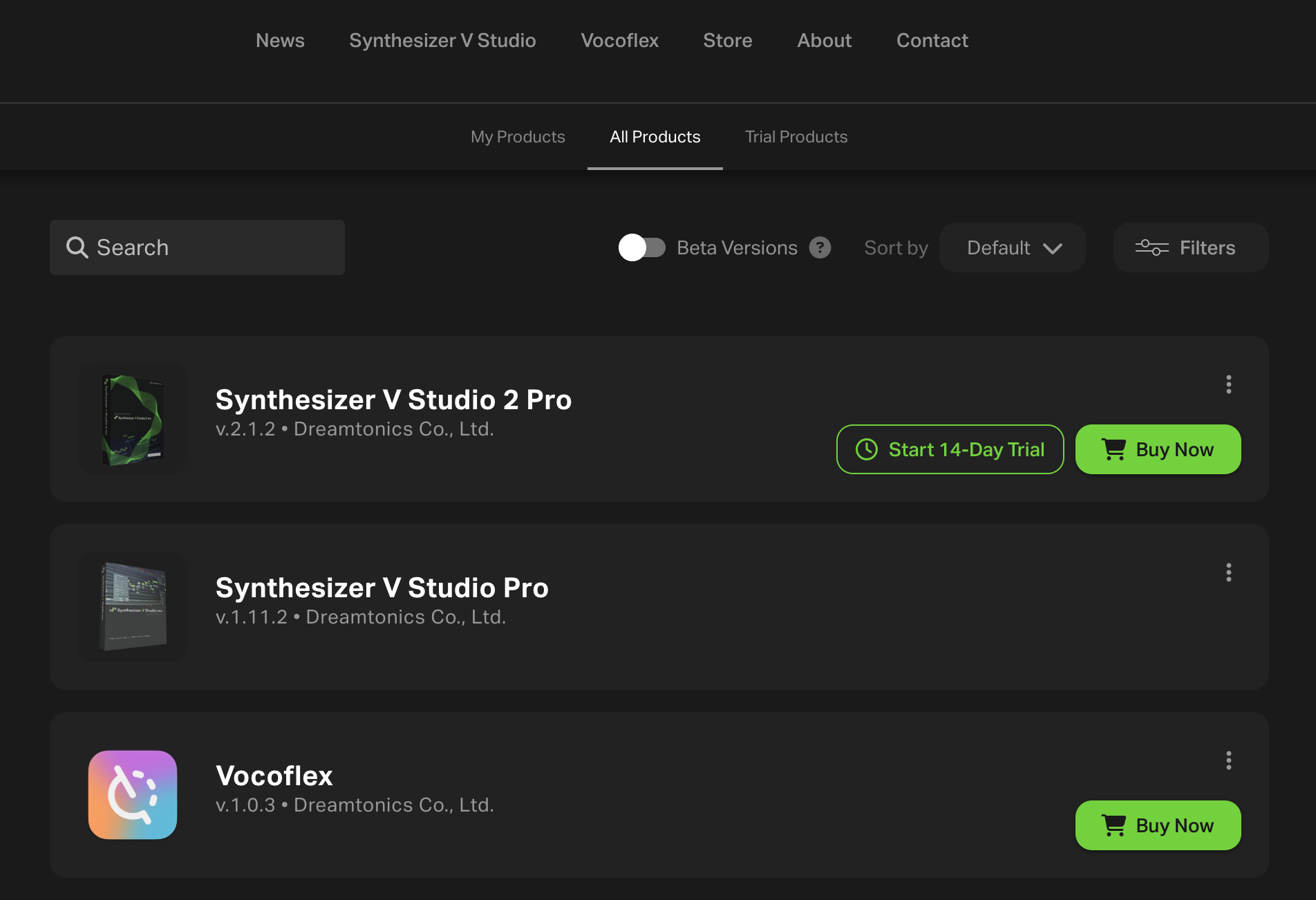
The All Products page lets you view all of our products, including editors, instrument expansions, and other software that are currently available for purchase or pre-order.
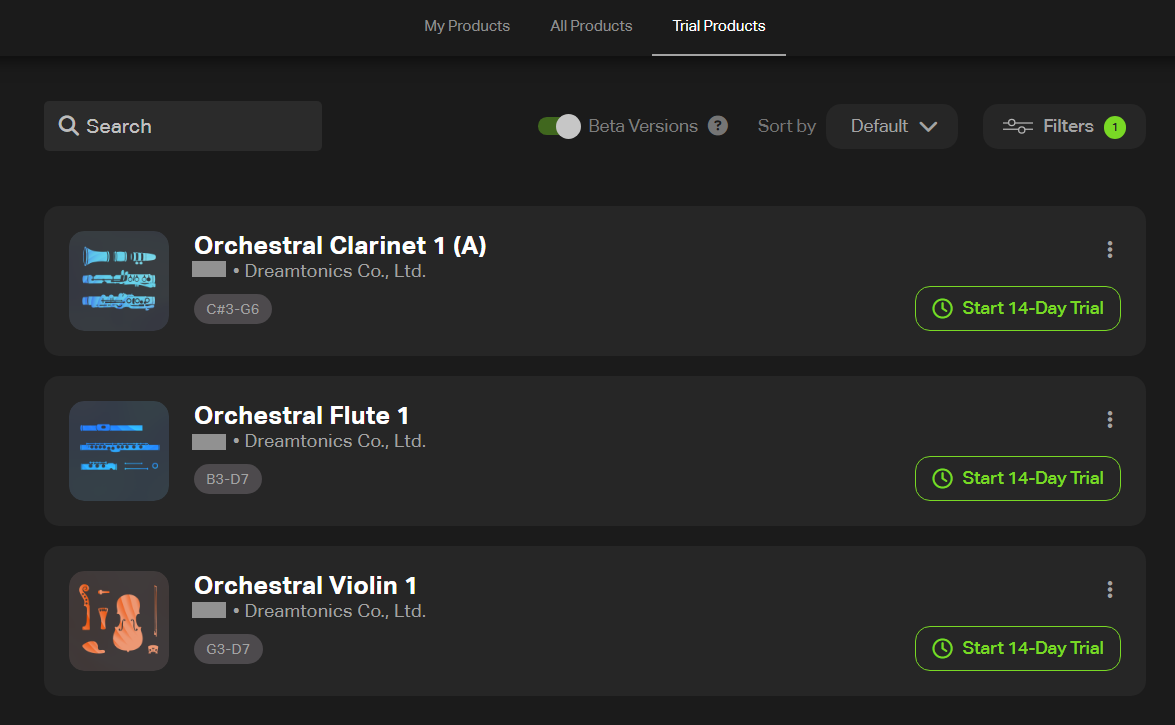
On the "Trial Products" page, you can check the list of products available for trial.
¶ Add Products to Your Account
Instrument X products can be added to your account using the methods below. In addition, adding any instrument expansion to your account will automatically grant you a full-version license for the Instrument X editor.
- Products purchased or pre-ordered from the Dreamtonics Store are automatically added to your Dreamtonics account.
- If you purchase an Instrument X product from an e-commerce site, you will receive an activation code.
Registering the activation code on your Dreamtonics account allows you to manage your product licenses.
-
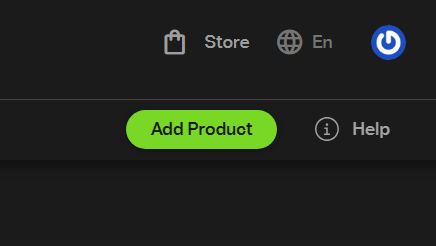
Click on [Add Product].
-
Enter the activation code and click on [Submit].
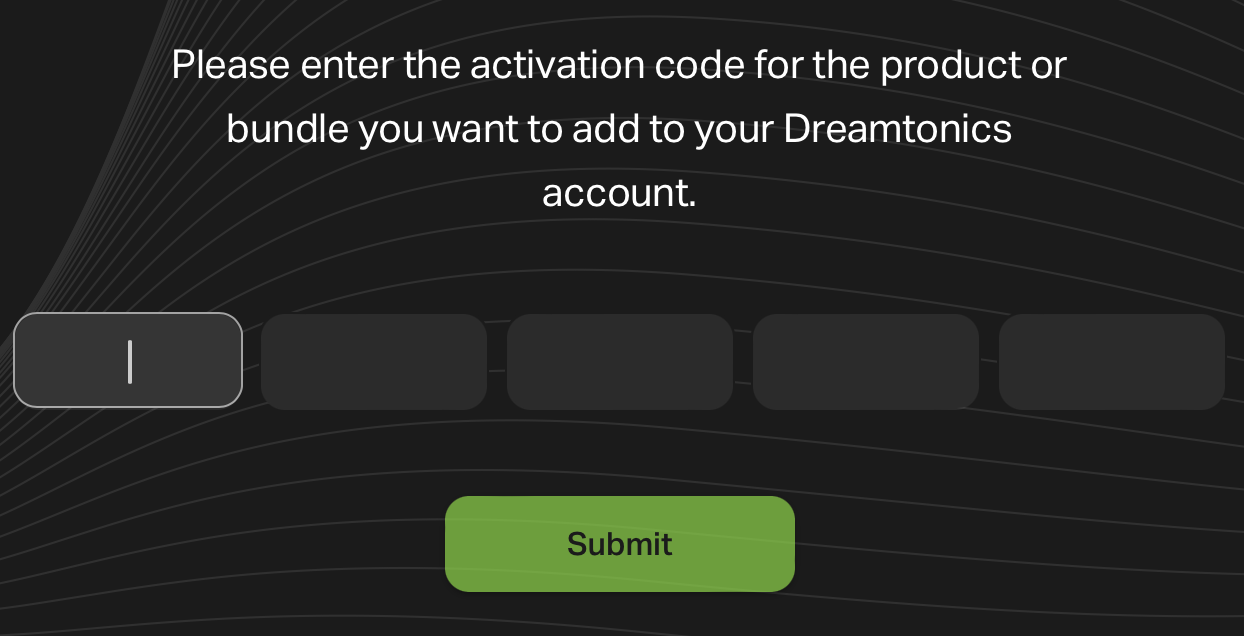
Once submitted, the new product will appear in your "My Products" list.
Please note that adding a product to your account is irreversible. If you have accidentally added the wrong product, please contact our Support Team for assistance.
You can't register the same product to multiple accounts.
If you purchased a bundle or set that includes products you already own, you may not be able to register all of the items.
If you encounter any issues, please contact Dreamtonics Support (all inquiries will be handled in English).
¶ Product Trial
With Instrument X, you can try each product for 14 days.

- On the "All Products" or "Trial Products" page, click [Start 7-Day Trial].
- If you do not own the Instrument X editor, the editor trial will automatically begin the first time you launch the editor and sign in.
- There is no subscription service for Instrument X. Once the trial period ends, there will be no automatic charges or withdrawals.