Voice installation is performed within the Instrument X editor.
Please install the editor itself first. See instructions for installing the editor.
¶ Install Instruments
To install voices, you need to register them to your Dreamtonics Account.
You can register products on the Dreamtonics Account page or through the Product Manager within the editor.
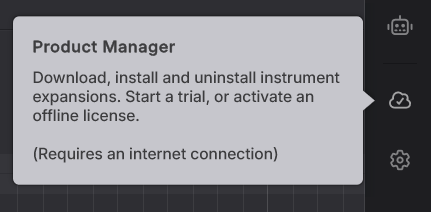
- Launch the editor and open the Product Manager from the sidebar.
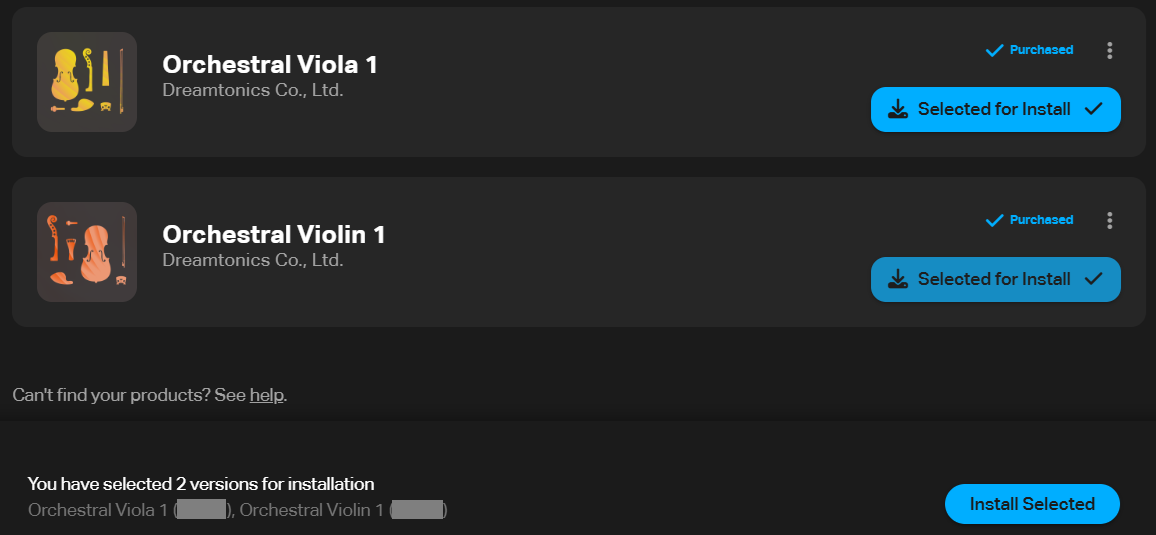
- Click [Install] for all voices you want to install.

- Click [Download Selected], and the selected voices will be downloaded together.
Instrument expansions are installed in the following location. The installation location cannot be changed.
Windows:C:\Users\<username>\AppData\Roaming\Dreamtonics\Instrument X\databases
macOS:/Users/<username>/Library/Application Support/Dreamtonics/Instrument X/databases
¶ Instrument Updates
- If a new version of a voice is available, it will be displayed at the top of the Product Manager.
Click [Update All] to begin updating.
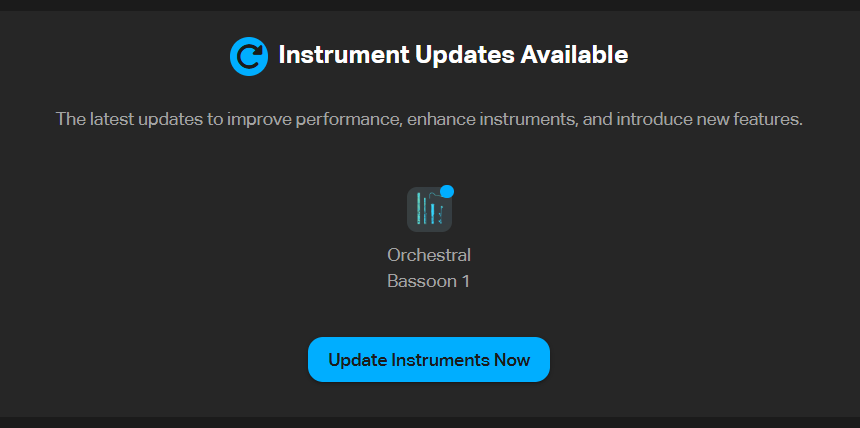
- Click [Update] for the voice you want to update, then click [Update Selected Products] to update the selected singing voice database.

¶ Installing a Previous Version
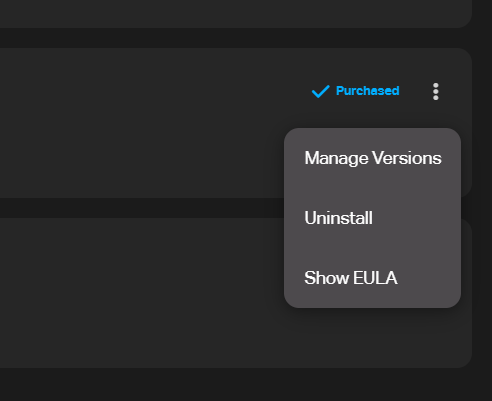
From the menu to the right of the voice, select [Install Other Versions].
¶ Uninstall Instruments
From the menu to the right of the voice, select [Uninstall].